

What Is Trade With Pat MT5?
Trade With Pat MT5 also known as the TWP MT5 EA or TWP ORB Bot is a rule-based Expert Advisor that automates the Opening Range Breakout strategy on MetaTrader 5. The EA builds a range from the first minutes of a major session (London or New York open), then places pending orders to capture the breakout when price leaves that range with conviction. A built-in news filter pauses trading around high-impact economic releases, which is the primary reason the strategy avoids the spread-widening spikes that damage most scalping EAs.
Vendor: Available on the official product page
Trade With Pat MT5 Recommended Setting
| Attribute | Value |
|---|---|
| EA Type | Opening Range Breakout (ORB) |
| Platform | MetaTrader 5 (MT4 version available from vendor) |
| Trading Pair(s) | EURUSD, AUDUSD, USDJPY, GBPUSD, XAUUSD, US100, US30, BTCUSD |
| Timeframe | M5 (default); configurable |
| Min Deposit | $500 recommended (prop-firm accounts: $10,000+) |
| Prop Firm Compatible | Yes – conservative sets designed for FTMO / FundedNext rules |
| License Type | One-time payment, lifetime license (Gold / Diamond / Ultimate packages) |
TWP EA Performance Results
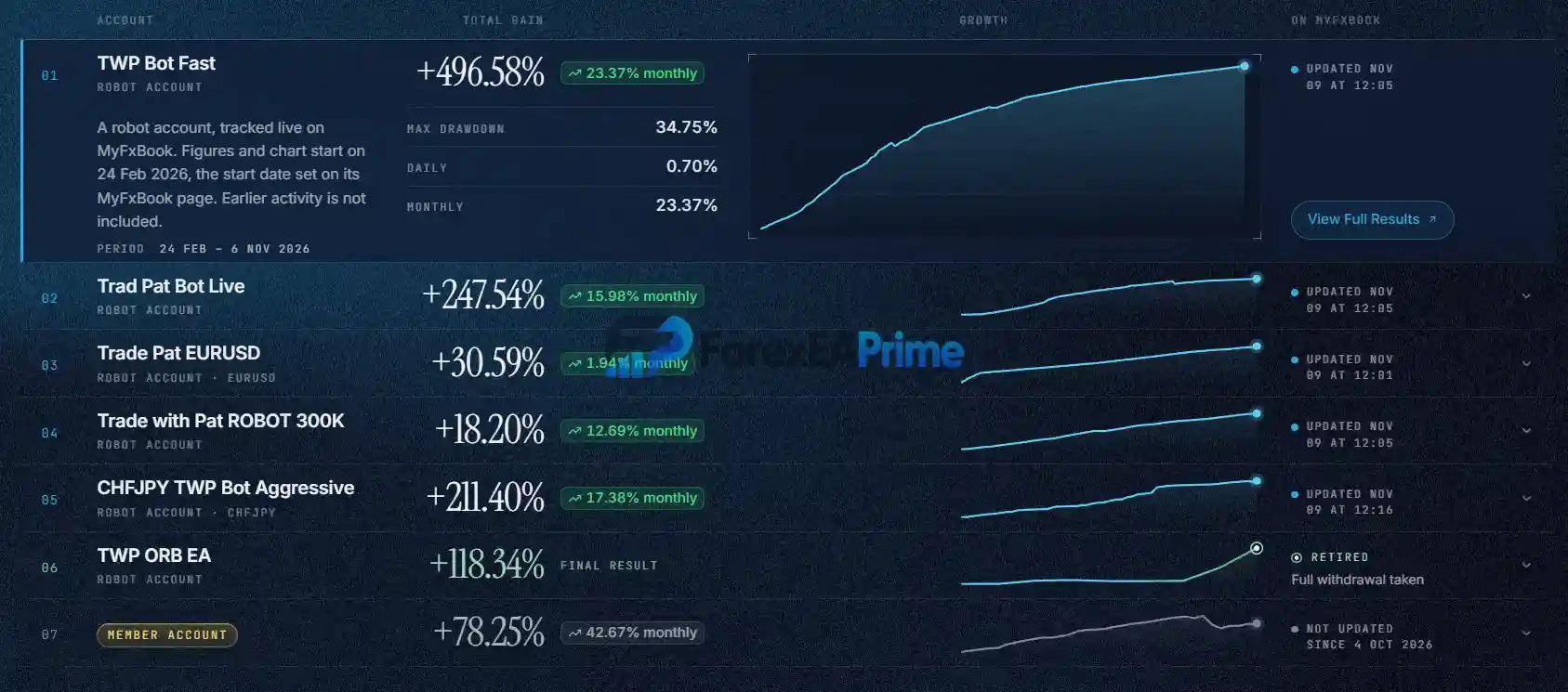
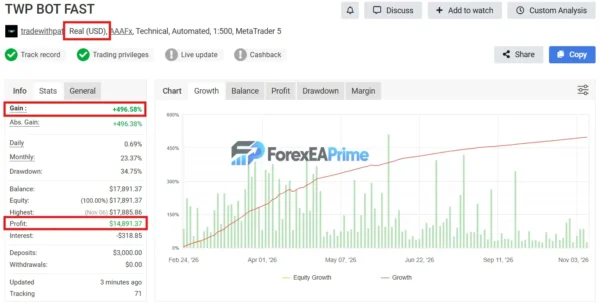
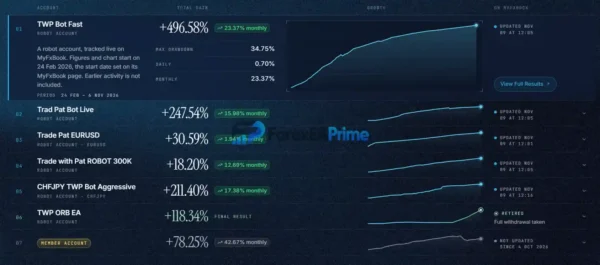
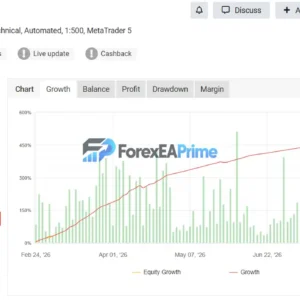
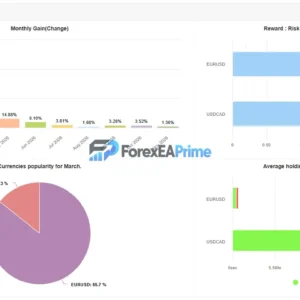
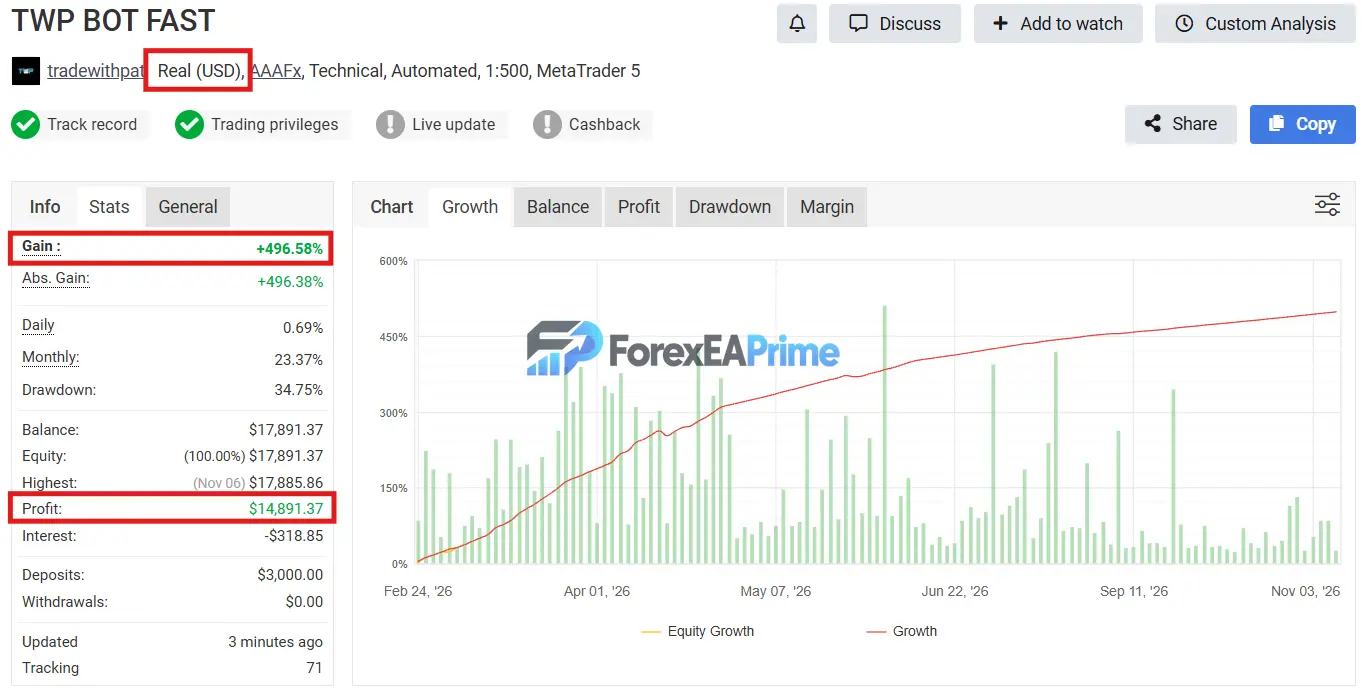
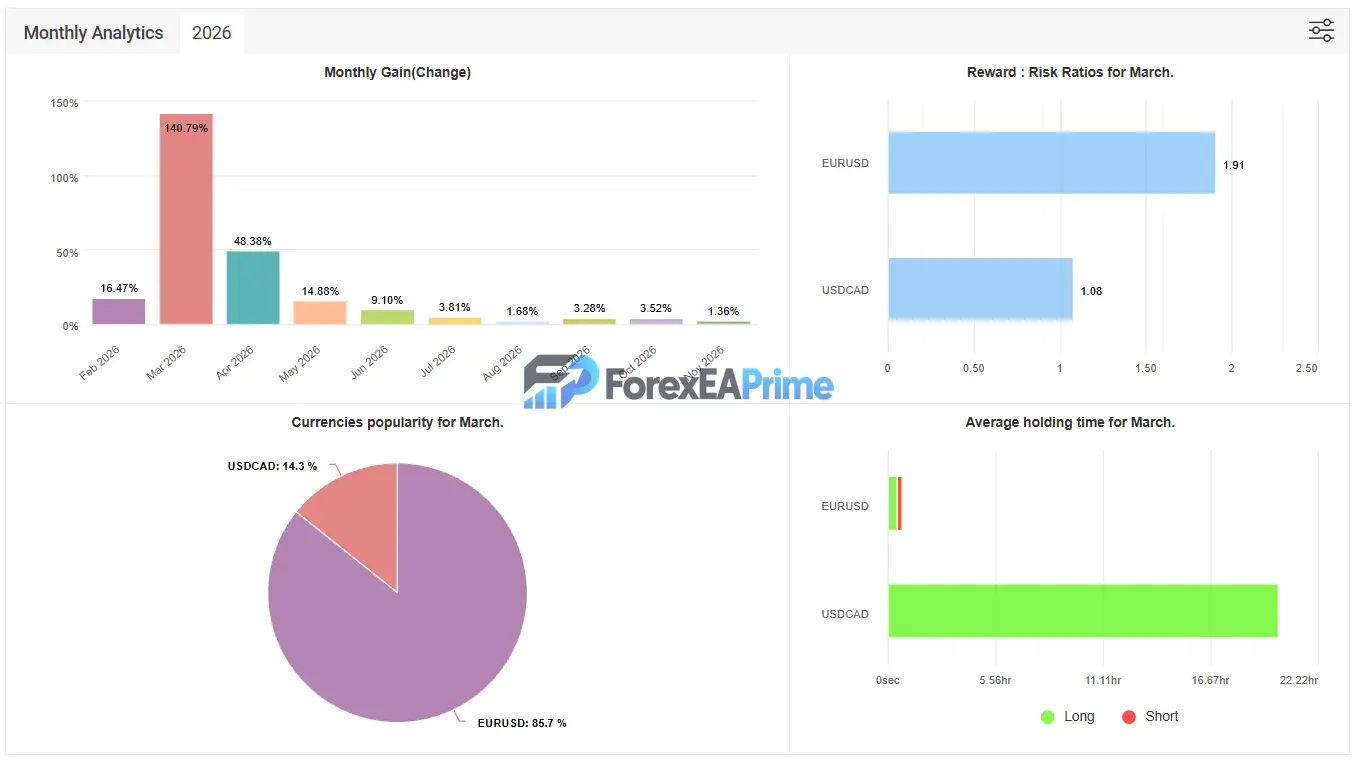
1. Trade With Pat MT5 Myfxbook Review | Check Live Proof
• Gain: +496.58%
• Profit: $14,891.37
• Deposit: $3,000
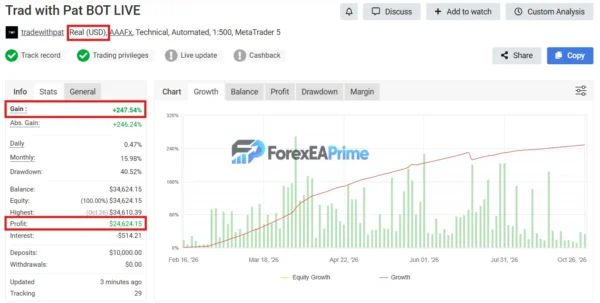
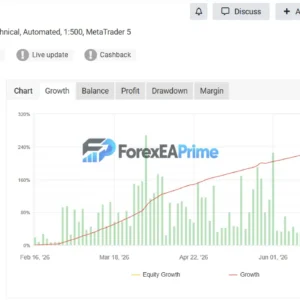
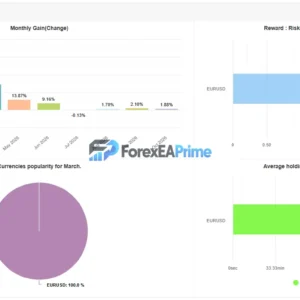
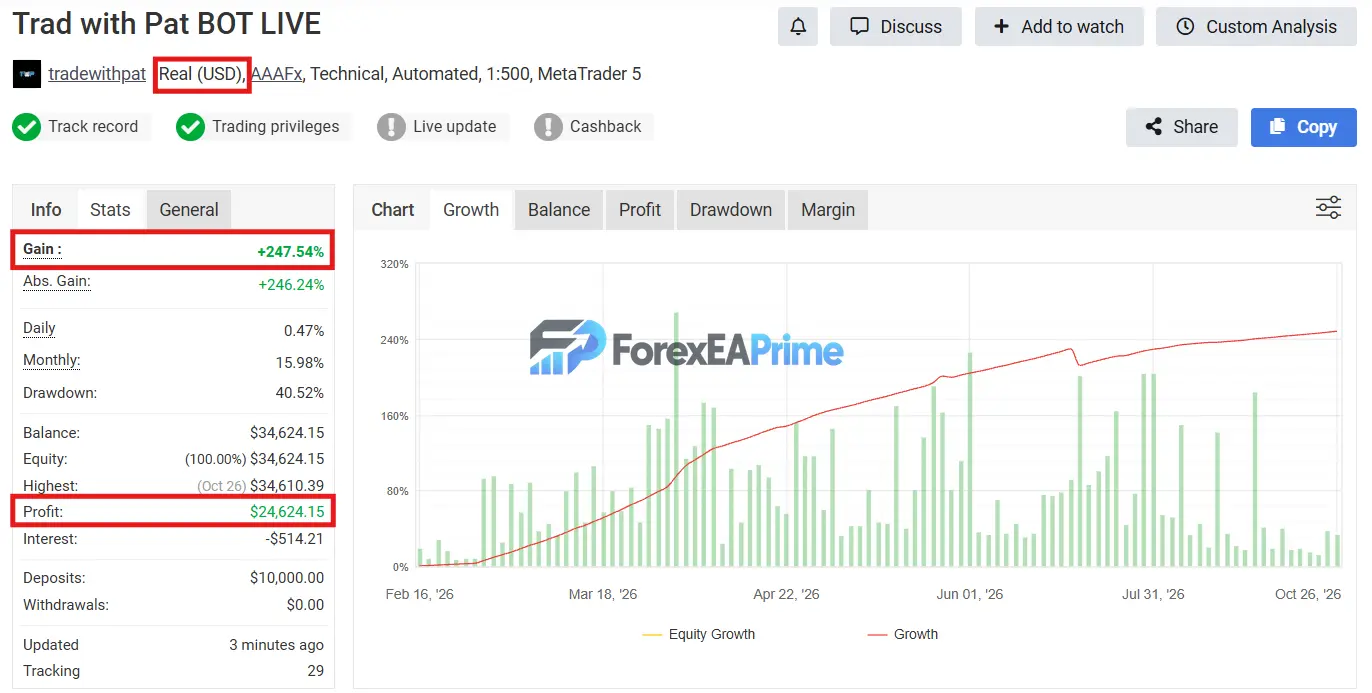
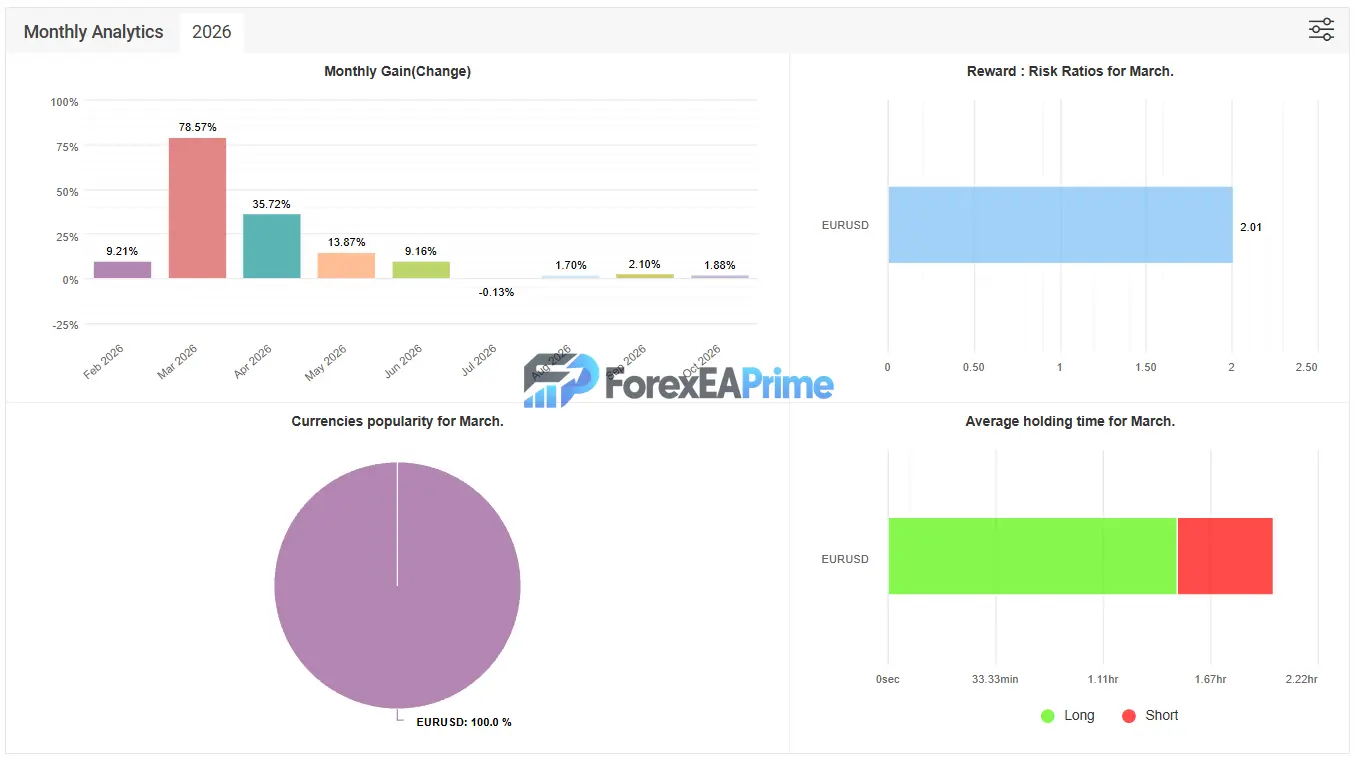
2. Trade With Pat EA Myfxbook Review | Check Live Proof
• Gain: +247.54%
• Profit: $24,624.15
• Deposit: $10,000
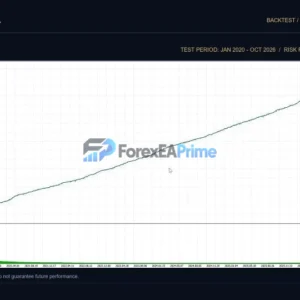
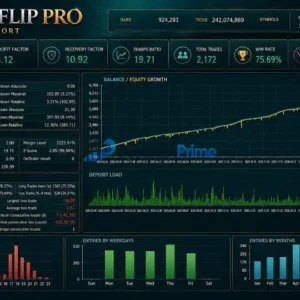
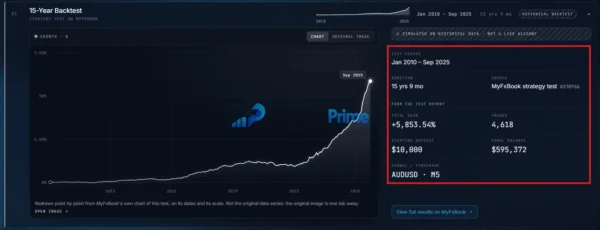
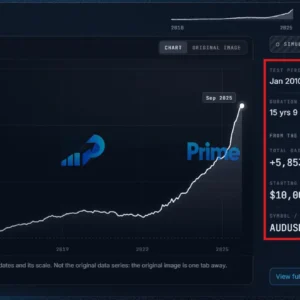
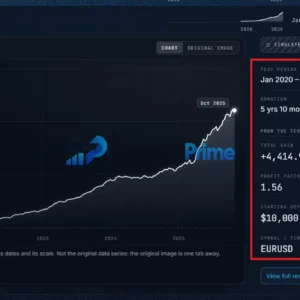
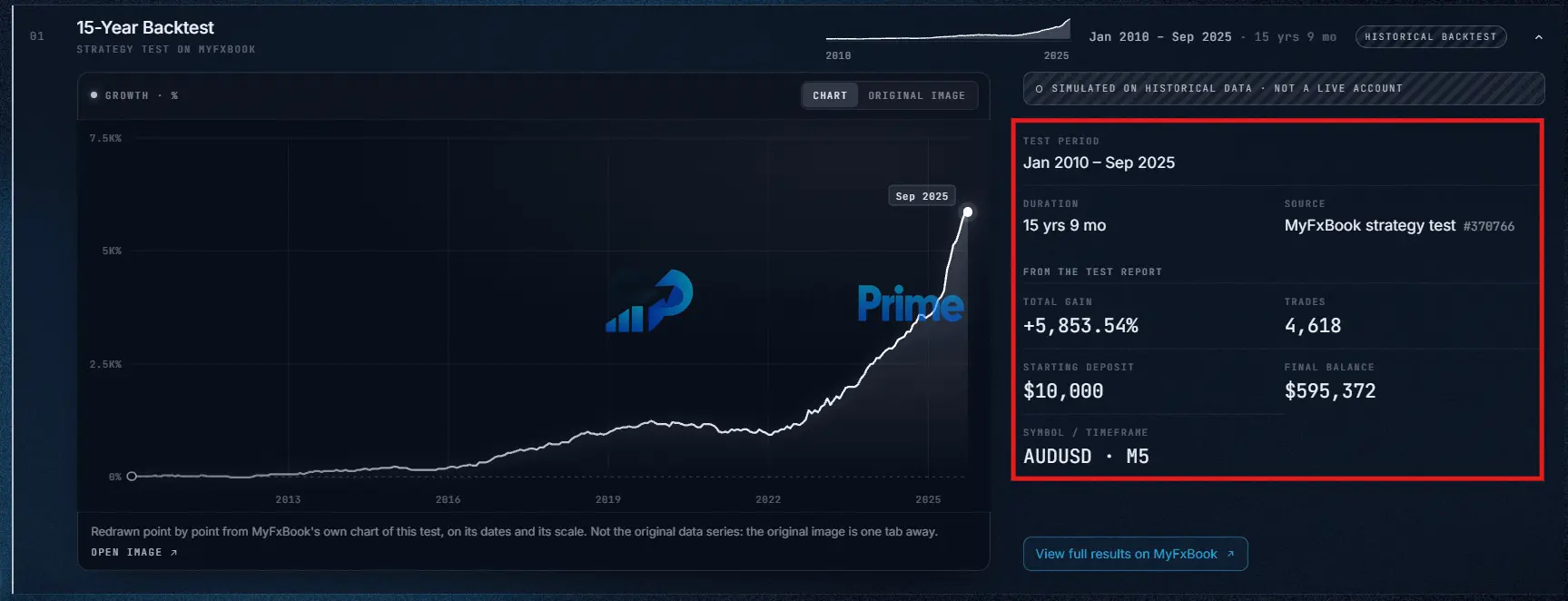
3. Trade With Pat EA Backtest Review – 15 Year
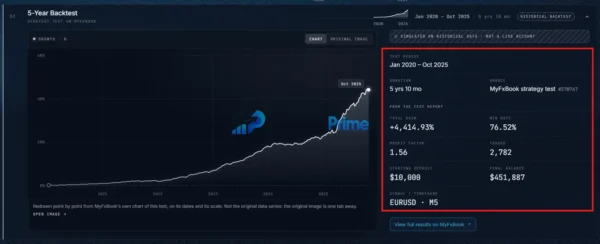
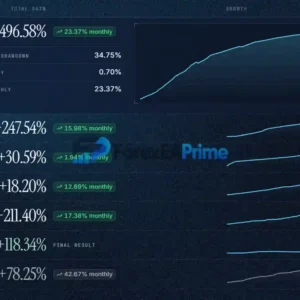
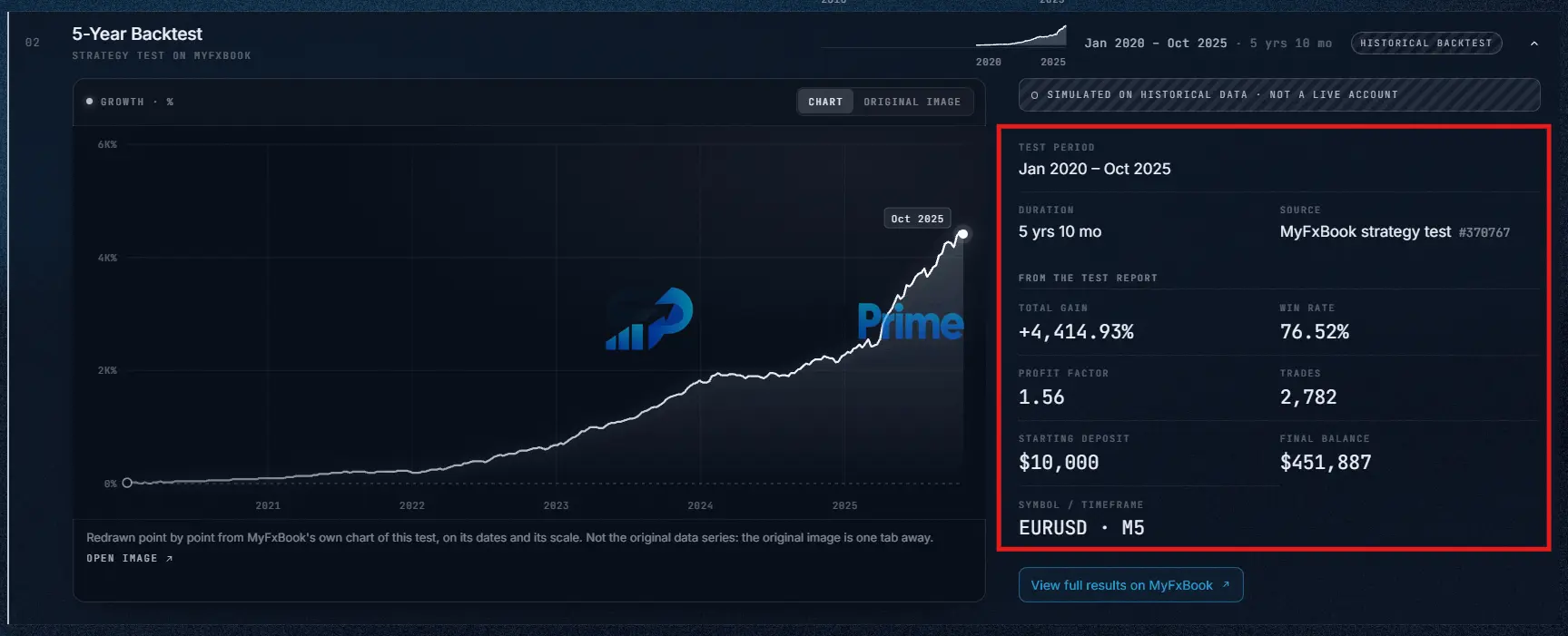
4. Trade With Pat EA Backtest Review – 5 Year
Trade With Pat MT5 Key Features
-
Opening Range Breakout engine — defines the session range and enters only on a confirmed breakout, avoiding the false breaks that trap discretionary traders.
-
Built-in economic news filter — pauses entries around high-impact releases, reducing exposure to spread spikes and slippage.
-
No martingale, no grid, no averaging down — drawdown is bounded by stop-loss logic rather than hidden by position recovery.
-
Pre-configured set files included — separate sets for Forex majors, Gold (XAUUSD), indices, and prop-firm conservative mode.
-
MT5 and MT4 compatibility — the vendor provides both platform builds, so prop-firm accounts on either platform are supported.
-
Configurable risk per trade — fixed lot or percentage-risk sizing; prop-firm users can cap risk at 0.25–0.5% per trade.
-
Session selection — toggle London, New York, or both; Asian session trading can be disabled for traders outside EU/US hours.
-
Max-spread filter — skips entries when spread exceeds the configured threshold (users report a 1.8-pip cap working well on majors).
-
Lifetime updates and license reassignment — one-time payment, no subscription; licenses can be moved between accounts when changing brokers.
What Is Included
-
Trade With Pat MT5 EA file (
.ex5) — latest 2026 build. - Step-by-step installation setup guide.
-
Lifetime updates – no recurring subscription.
How to Install Trade With Pat MT5 on MT5
-
Purchase the EA from the vendor page and download the
.zippackage from your account. -
Open MetaTrader 5 → File → Open Data Folder.
-
Navigate to MQL5 → Experts.
-
Copy the
.ex5file into the Experts folder. -
Restart MT5, or right-click Expert Advisors in the Navigator and select Refresh.
-
Open the chart for your chosen pair (e.g., EURUSD M5) and drag the EA onto the chart.
-
In the EA settings window, load the appropriate set file (Forex, Gold, or Prop Firm).
-
Enable Algo Trading in the MT5 toolbar.
-
Confirm the EA shows a smiley face in the top-right corner of the chart — this means it is live.
-
Monitor the Journal and Experts tabs for the first few sessions to confirm entries and news-filter behaviour.
Contact ForexEAPrime Support on Telegram
Join the ForexEAPrime Trader Community
Get live signal updates, free setfiles, EA tips, and real-time performance alerts – directly in Telegram. Join traders already in the channel.


OilVector X MT5
OilVector X MT5 is a daily breakout Expert Advisor for WTI Crude Oil on MetaTrader 5, developed by Jeffrey Adeniyi Richard Ajani. It trades XTIUSD/USOUSD using clean daily-level breakout logic with a structural stop loss, fixed take profit, and early breakeven management—no grid, no martingale, no recovery averaging.

AI Golden Life MT5
AI Golden Life MT5 v3.0 is an AI-powered Gold trading Expert Advisor designed specifically for XAUUSD on the H1 timeframe. It combines intelligent market analysis, automated trade management, and three advanced protection layers: AI Geopolitical Filter, High Impact News Protection, and Volatility Filter. Built for MetaTrader 5, it aims to identify selective trading opportunities while helping manage exposure during changing market conditions. Ideal for traders seeking an automated Gold trading solution with advanced market filtering and configurable risk management.

Quantum Queen MT5
Quantum Queen MT5 is a fully automated XAUUSD grid Expert Advisor for MetaTrader 5, developed by Bogdan Ion Puscasu, designed for hedging accounts with 2-decimal gold quotes. An independently reproduced backtest for 2018-2026 reports 79.61% win rate and 13.72% balance drawdown,
Best Forex EA 2026
Select by algorithmic architecture, mathematical paradigm, and prop qualification parameters.