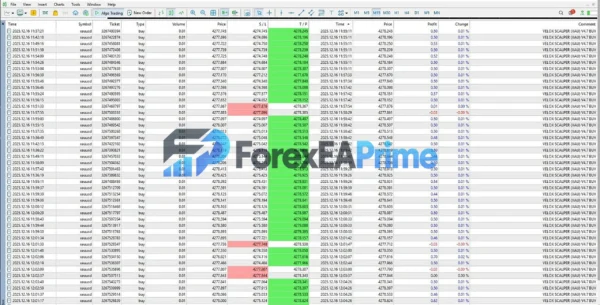
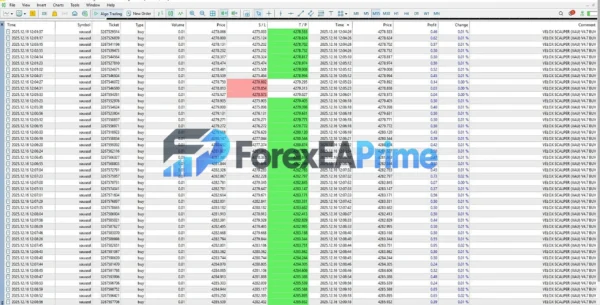
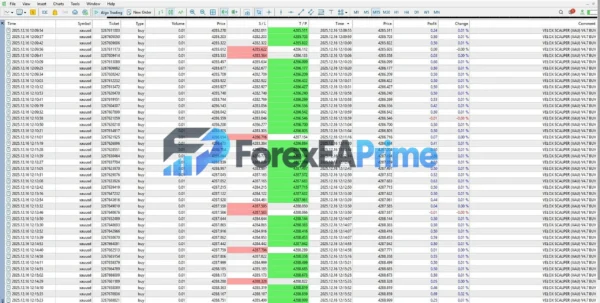
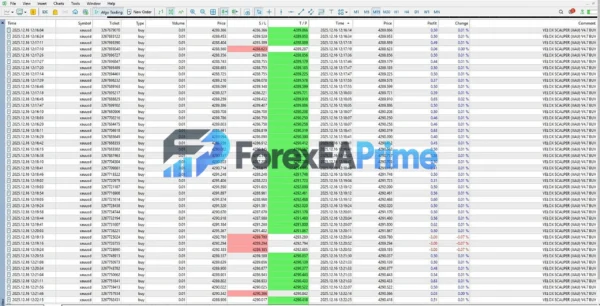

VELOX SCALPER (XAU) MT5 v4.7
VELOX SCALPER (XAU) MT5 v4.7 is a MetaTrader 5 Expert Advisor presented for automated Gold trading and short-term scalping. If you are researching a VELOX SCALPER EA for XAUUSD, this page helps you review its intended use, platform compatibility, setup considerations, available evidence, and trading risks before deciding whether it fits your trading approach.
Platform: MetaTrader 5 (MT5)
Product version: 4.7
Trading market: Gold (XAU) — verify the exact supported symbol with the vendor
Product type: Automated trading Expert Advisor
Official product information: View VELOX SCALPER on Telegram
Ready to learn more? View product information or contact ForexEAPrime support to confirm availability, access terms, and compatibility before purchasing.
What Is VELOX SCALPER MT5?
VELOX SCALPER (XAU) MT5 v4.7 is a Gold-focused trading robot listed for the MetaTrader 5 platform. It is intended for traders interested in automating short-term trading decisions instead of manually managing every entry and exit.
Scalping strategies attempt to capture relatively short-term price movements. Their results can be affected by spread, commission, slippage, execution speed, market volatility, and the EA’s own trading logic.
Before using VELOX SCALPER on a live account, confirm the official documentation for its entry and exit rules, risk controls, supported instruments, and recommended settings. A product description alone is not proof of profitability or capital protection.
VELOX SCALPER MT5 v4.7 Specifications
| Specification | Details |
|---|---|
| Product name | VELOX SCALPER (XAU) MT5 |
| Version | 4.7 |
| Software type | Expert Advisor (EA) |
| Trading platform | MetaTrader 5 |
| Intended market | Gold / XAU |
| Exact supported symbol | Confirm with the vendor |
| Recommended timeframe | Confirm with the official settings file or vendor |
| Minimum deposit | Not independently verified |
| Broker requirements | Confirm spread, execution, and symbol compatibility |
| Risk-management features | Verify against official documentation |
| Live performance record | No independently verified record supplied on this page |
| Current price and access terms | Check the current product listing |
This specification table distinguishes the product’s stated identity from technical details that still require confirmation. Verify all settings against the actual VELOX SCALPER v4.7 file and official vendor documentation before deployment.
Key Considerations Before Choosing VELOX SCALPER
Gold trading and short-term price movements
Gold can experience rapid price movements around economic releases, changes in interest-rate expectations, and shifts in market sentiment. A scalping EA may be sensitive to these conditions, particularly when execution costs increase or prices move quickly.
Evaluate the EA under realistic trading conditions rather than assuming that volatile markets automatically create better trading results.
Automated trading through MetaTrader 5
An MT5 Expert Advisor can automate supported trading operations after it has been installed and configured correctly. Actual functionality depends on the EA file, platform settings, broker environment, and any required permissions.
Check the product’s official requirements before enabling automated trading on a live account.
Broker and execution conditions
Scalping performance can vary between brokers because of differences in spreads, commissions, execution delays, slippage, and contract specifications.
Test the EA using the same broker and account type you intend to use. Check the broker’s Gold symbol name, trading hours, minimum lot size, volume step, and stop-level restrictions.
Risk management
Automated trading does not remove market risk. Losses can accumulate during unfavorable conditions, and stop-loss orders cannot guarantee execution at the requested price during all market conditions.
Review the EA’s actual position-sizing method, maximum exposure, stop-loss behavior, and handling of adverse market movements before committing capital.
VELOX SCALPER MT5 Settings and Compatibility
The correct settings depend on the specific EA version and its documented requirements. Do not copy settings from another Gold robot or assume that a setting mentioned in a third-party listing is supported by this version.
Before running VELOX SCALPER, verify:
- The supported Gold symbol used by your broker.
- The required chart timeframe.
- The recommended lot-sizing method.
- Available stop-loss and take-profit controls.
- Whether spread or news filters are supported.
- Whether the EA uses grid, martingale, recovery, or other position-management logic.
- Any required account type, platform build, DLL permission, or external dependency.
Important: The presence or absence of these features has not been independently established here. Confirm them through the official vendor documentation or by reviewing the EA’s actual input parameters.
How to Install VELOX SCALPER on MetaTrader 5
Use the following general MT5 installation process, provided the file supplied for VELOX SCALPER is a standard installable EA file.
- Obtain the correct VELOX SCALPER MT5 v4.7 file from your authorized source.
- Open MetaTrader 5 on your computer.
- Select File → Open Data Folder.
- Open the
MQL5 → Expertsdirectory. - Copy the EA file into the appropriate folder.
- Return to MT5 and refresh the Navigator panel, or restart the platform.
- Locate the EA and attach it to the chart specified by the vendor.
- Review the available input parameters and confirm that the symbol, timeframe, and risk settings are appropriate.
- Enable automated trading only after reviewing the EA’s permissions and configuration.
- Run a demo test and examine the trades, exposure, execution costs, and drawdown before considering live use.
Installation requirements can differ by file format and EA version. Follow the vendor’s instructions if they differ from these general steps.
VELOX SCALPER Performance and Reviews
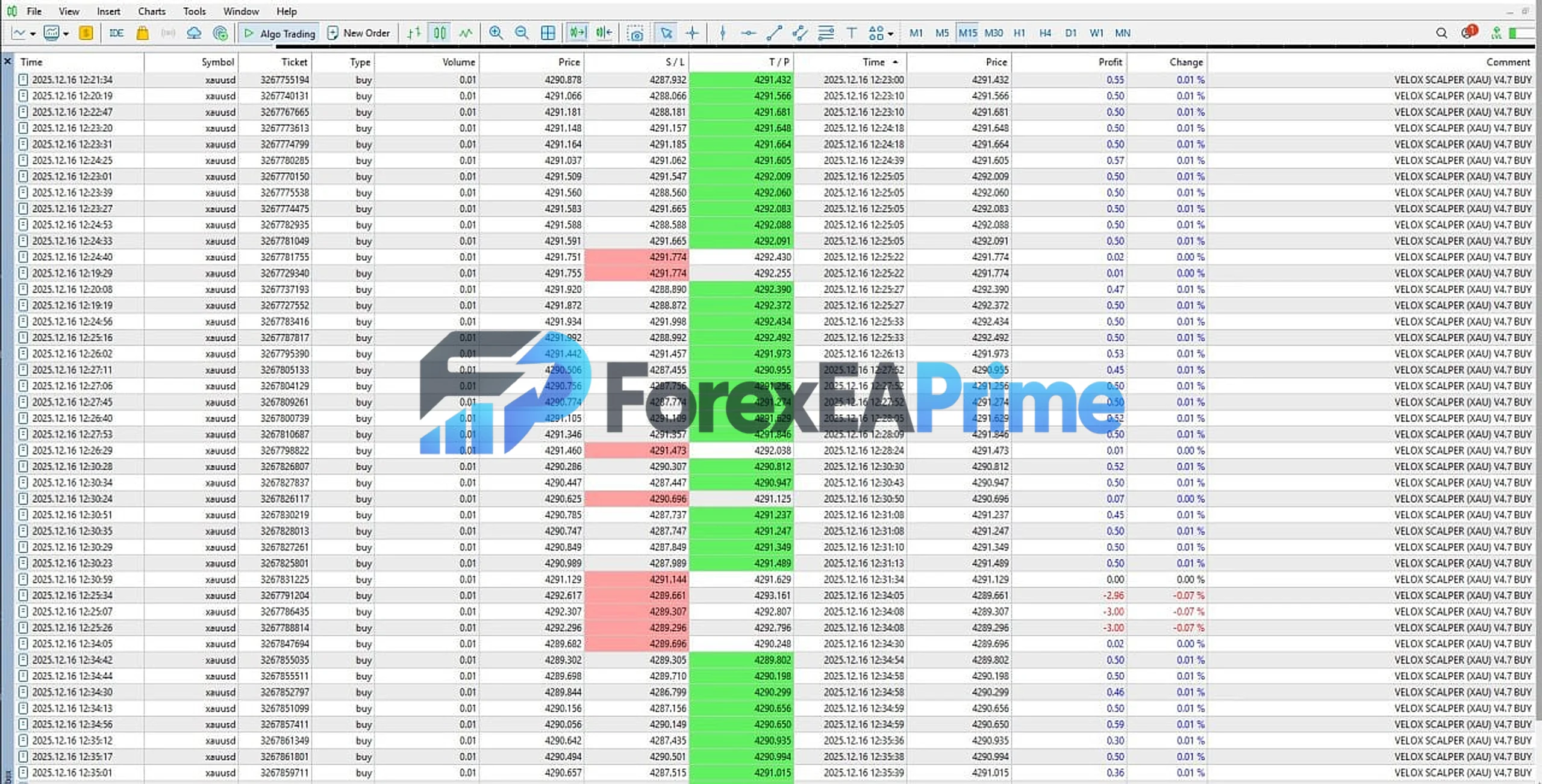
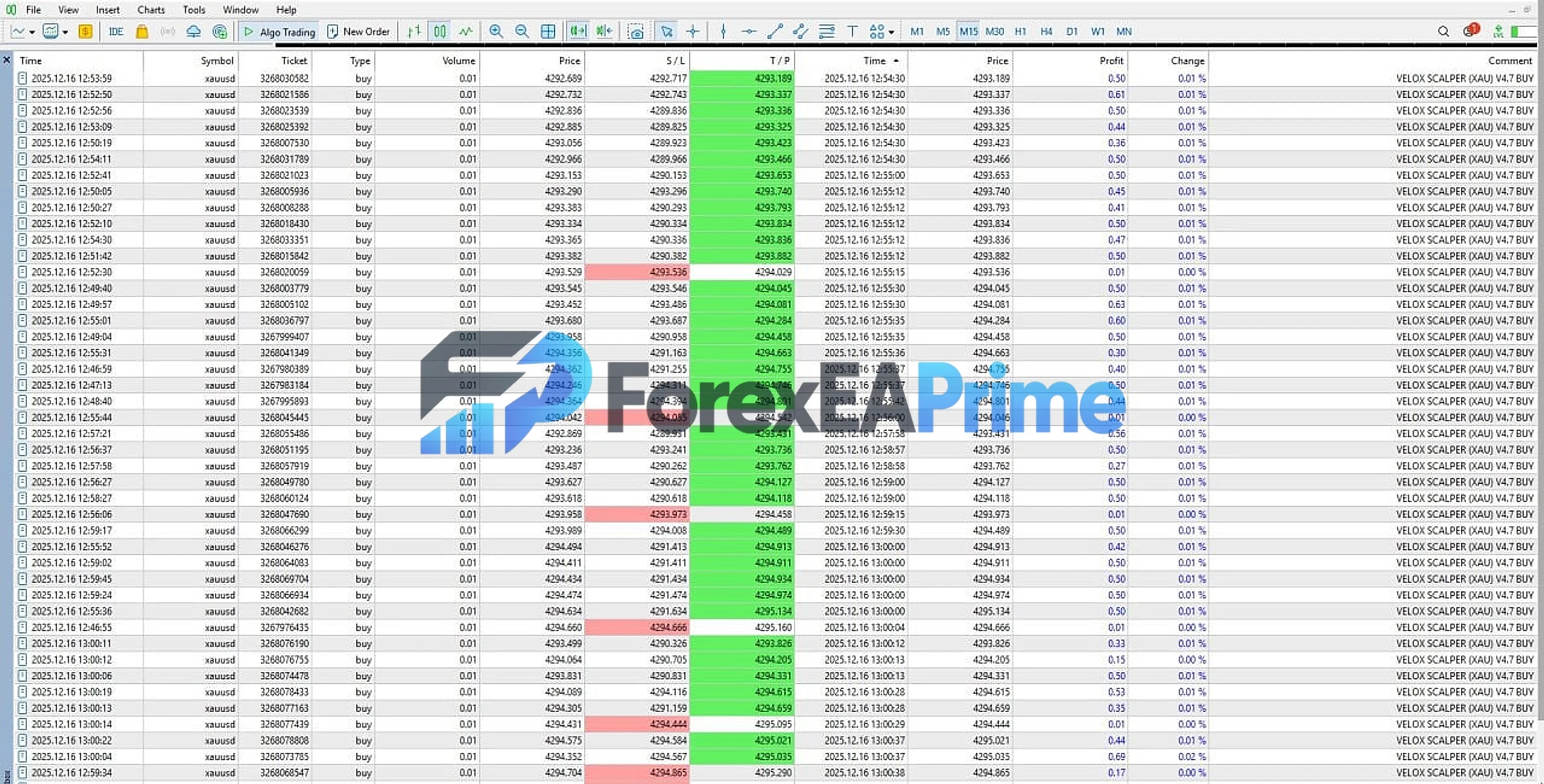
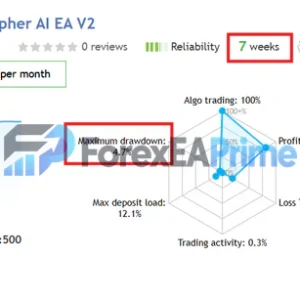
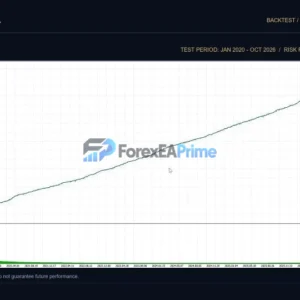
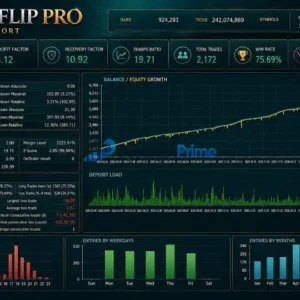
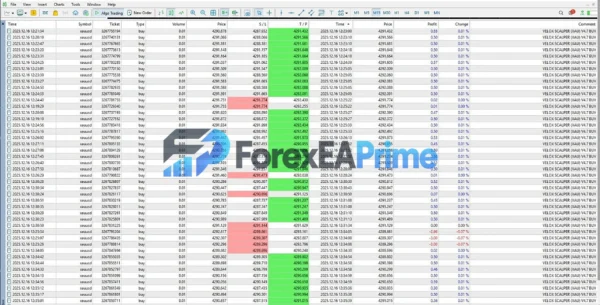
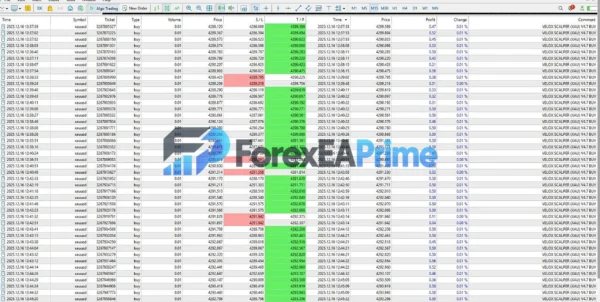
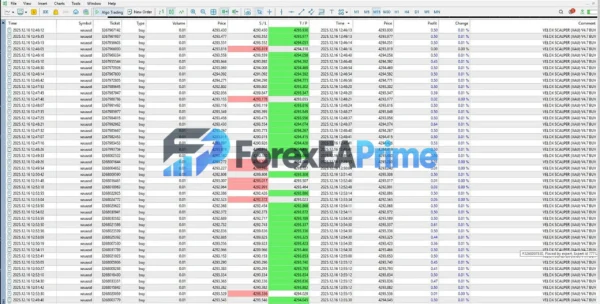
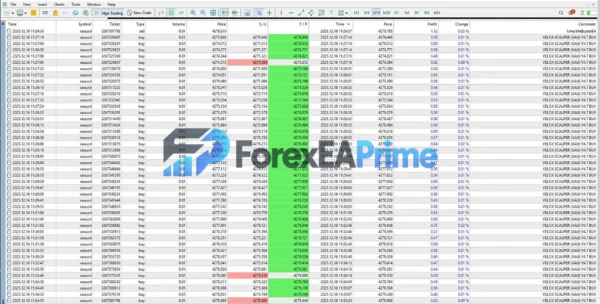
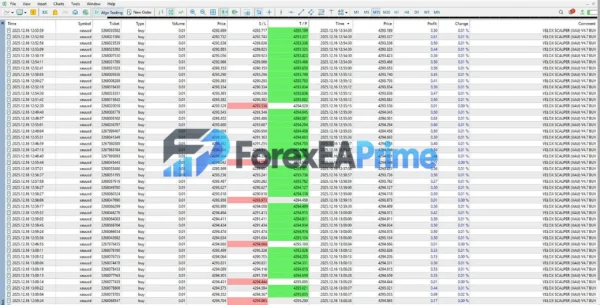
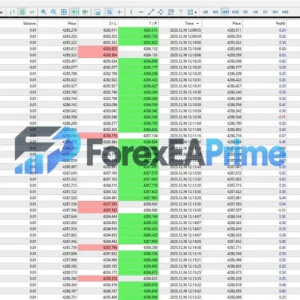
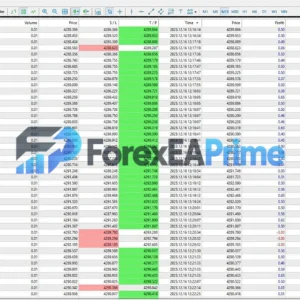
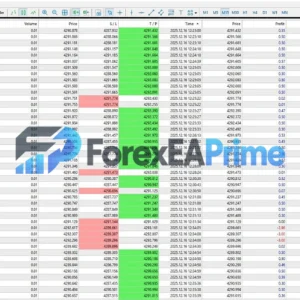
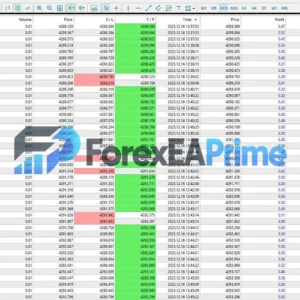
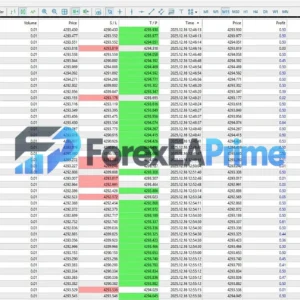
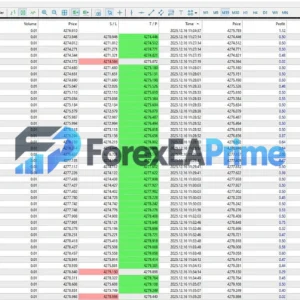
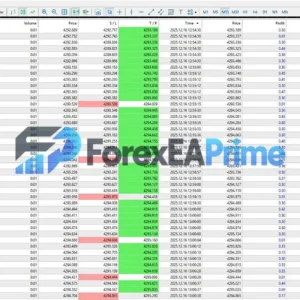
Performance evidence matters when evaluating an automated trading system. Marketing descriptions, screenshots, backtests, and live account statements do not provide the same level of evidence.
You can review the supplied Telegram resources here:
These links are provided as references, not as independent verification of profitability.
When evaluating any performance claim, check whether the results come from a live account, a demo account, or a backtest. Look for the reporting period, initial capital, deposit and withdrawal history, maximum drawdown, leverage, trading costs, and whether the account results can be independently verified.
A profitable period does not establish that an EA will remain profitable. Backtests may also differ from live trading because of data quality, execution assumptions, spreads, and slippage.
Who Should Consider VELOX SCALPER MT5?
VELOX SCALPER may be worth investigating if you:
- Use MetaTrader 5 and want to evaluate automated Gold trading.
- Understand that scalping results depend on execution and market conditions.
- Are willing to verify the product’s specifications before use.
- Can test an EA on a demo account and assess its drawdown.
- Understand that automated systems can lose money.
It may not be appropriate if you expect guaranteed returns, cannot tolerate trading losses, or plan to deploy an EA without checking its strategy and risk settings.
VELOX SCALPER Alternatives
Comparing several Expert Advisors can help you evaluate their documented features, platform requirements, risk controls, and available performance evidence.
Explore these alternatives on ForexEAPrime:
- Aetherion Zenith AI EA MT5 — review this alternative’s own specifications and trading approach.
- Cosmos Orion MT5 — compare its documented requirements and available evidence with VELOX SCALPER.
- Gold Trap MT5 — another Gold-related EA to investigate before choosing a tool.
These products should not be assumed to use the same strategy or have equivalent risk. Compare the official specifications and independently verifiable results rather than relying on product names alone.
Frequently Asked Questions
1. What is VELOX SCALPER (XAU) MT5 v4.7?
VELOX SCALPER (XAU) MT5 v4.7 is a MetaTrader 5 Expert Advisor presented for automated Gold trading and short-term scalping. Verify its exact strategy and supported instruments through the official documentation.
2. Does VELOX SCALPER work on MT4 or MT5?
The supplied product listings identify this version as an MT5 EA. MT4 compatibility has not been established. Confirm the platform requirement before downloading or purchasing.
3. Which symbol and timeframe should I use?
Confirm the exact Gold symbol and timeframe in the official v4.7 instructions. Broker symbol suffixes and contract specifications can differ, so do not assume that every XAUUSD variant is supported.
4. Does VELOX SCALPER guarantee profits?
No. No automated trading system can guarantee profits. Results depend on market conditions, execution costs, strategy behavior, and risk management. Losses are possible even when historical results appear favorable.
5. Is there verified live trading performance?
The supplied Telegram links provide product and review-related references, but independently verifiable live performance data has not been established for this page. Check the account type, reporting period, drawdown, and source before relying on any performance claim.
6. How do I install VELOX SCALPER on MT5?
For a standard EA file, copy it into the appropriate MQL5 → Experts folder using MT5’s Data Folder, refresh the Navigator, and follow the vendor’s setup instructions. Test the configuration on a demo account before live trading.
7. What deposit or broker is required?
A verified minimum deposit and a specific broker recommendation have not been established. Confirm the vendor’s requirements and check your broker’s spreads, commissions, execution, Gold contract specifications, and minimum trading volume.
8. Where can I get product information or assistance?
Visit the VELOX SCALPER product information post. For assistance from ForexEAPrime, contact support on Telegram.
Important Risk Disclaimer
Trading Gold, Forex, and other leveraged instruments involves substantial risk. You can lose some or all of your trading capital. Automated trading does not eliminate market risk, and historical results or backtests do not guarantee future performance.
Always verify the EA’s specifications, understand its risk controls, and test it under realistic conditions before using it on a live account. This product information is for educational purposes only and is not financial advice or a recommendation to trade.

Best Forex EA 2026
Select by algorithmic architecture, mathematical paradigm, and prop qualification parameters.